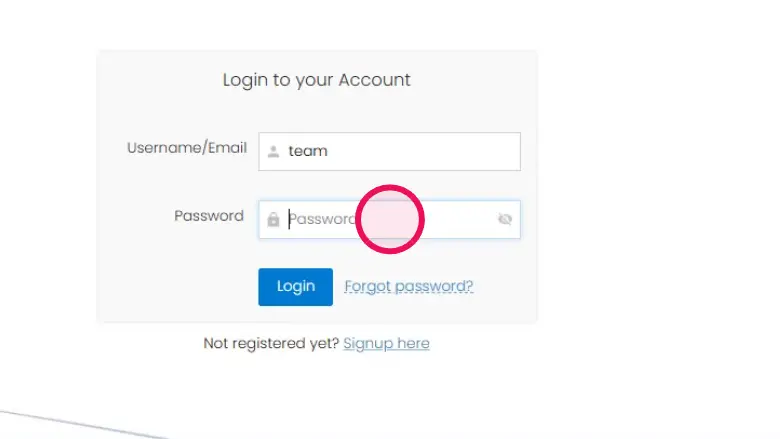

How to Reset Your Password on Digitavision
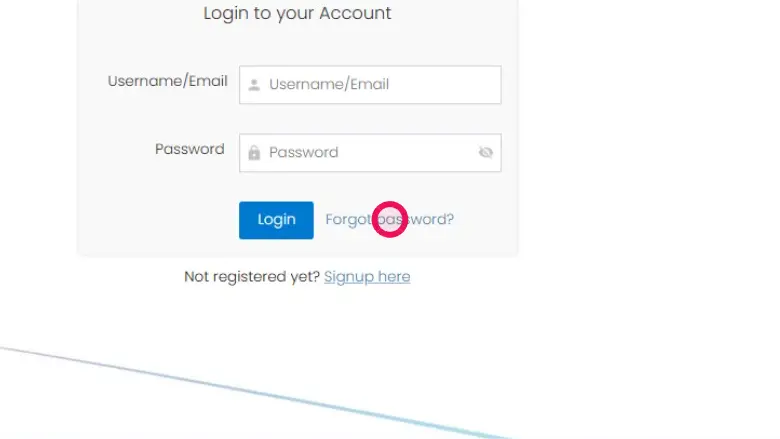
Step 1: Click on “Forgot password?”
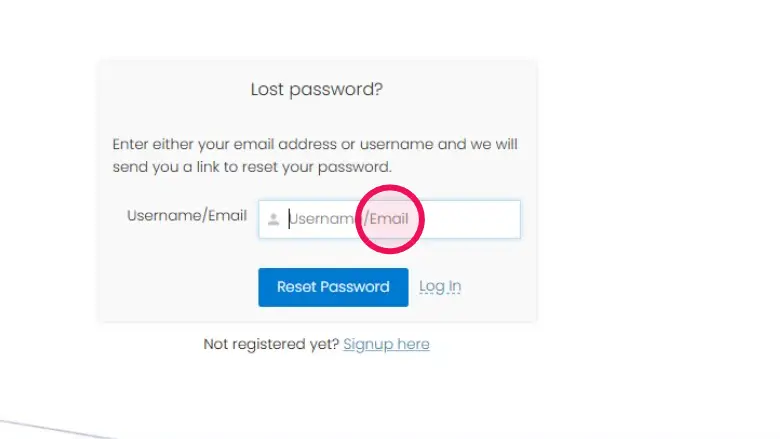
Step 2: Enter your username/Email here
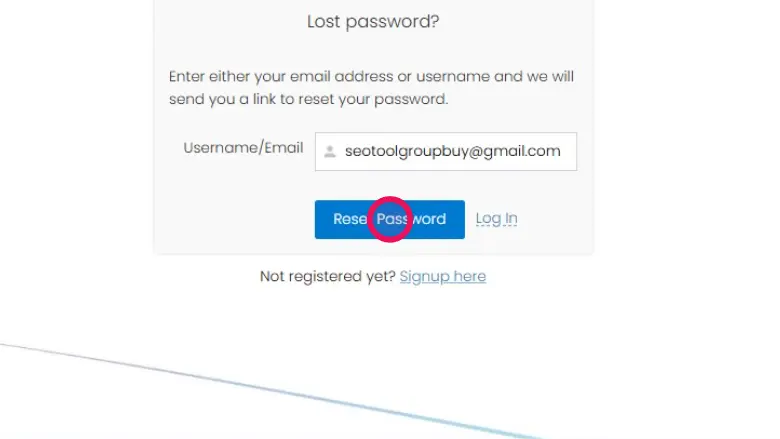
Step 3: Click on this Reset Password
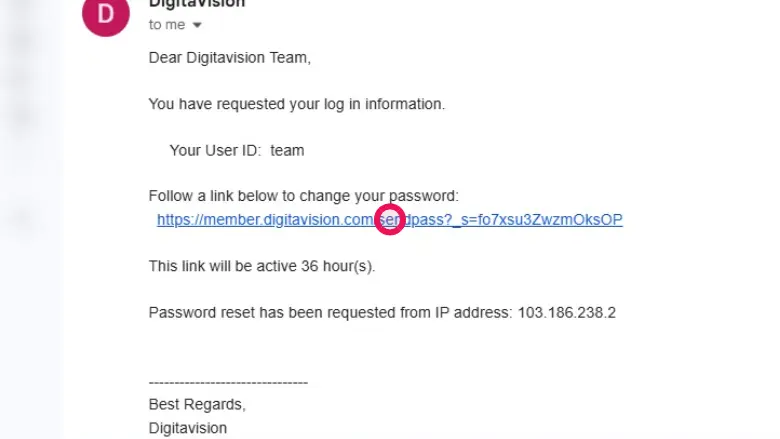
Step 4: Now Open your Email, you will see a reset password email. Click on the Link
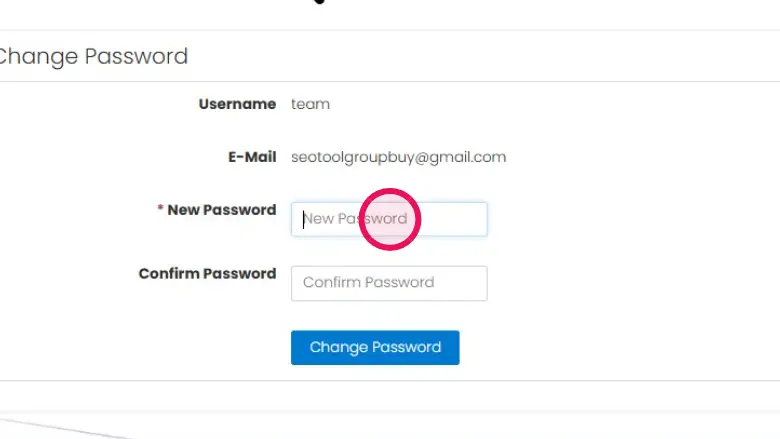
Step 5: Enter your new password here
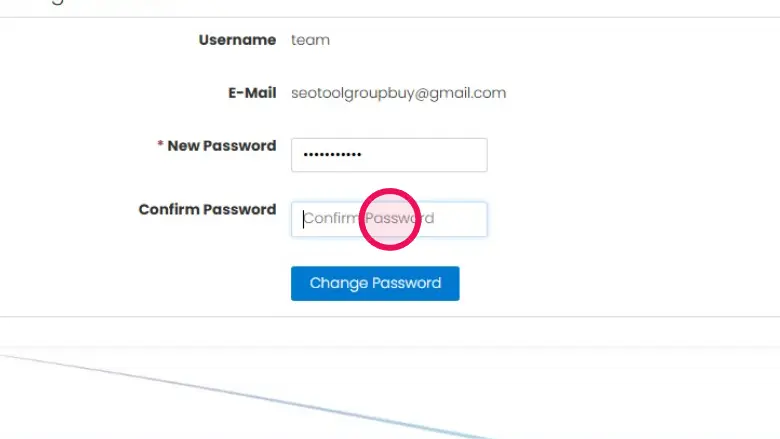
Step 6: Also that same password on Confirm password section.
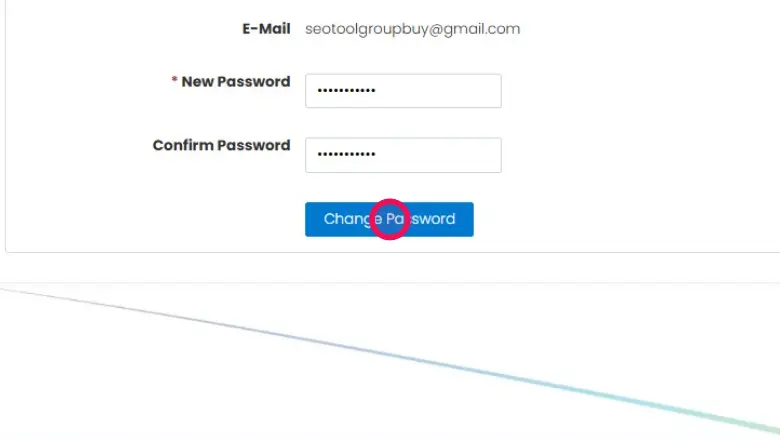
Step 7: Click on this Change password
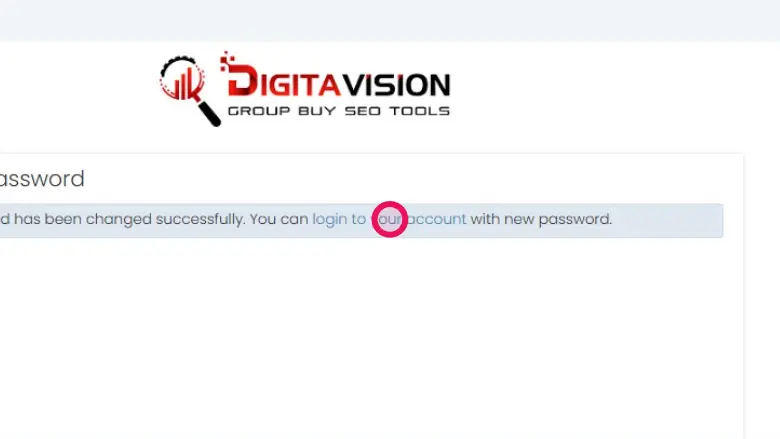
Step 8: Click on “login to your account”
Step 9: Now Login with that New password